 Biquadia
Frontier-Level Audio.
In Your Pocket.
Nine interactive labs for real-time DSP, spectral analysis, spatial audio, neural enhancement, and professional measurement — all running on a lock-free C++ engine with zero network calls.
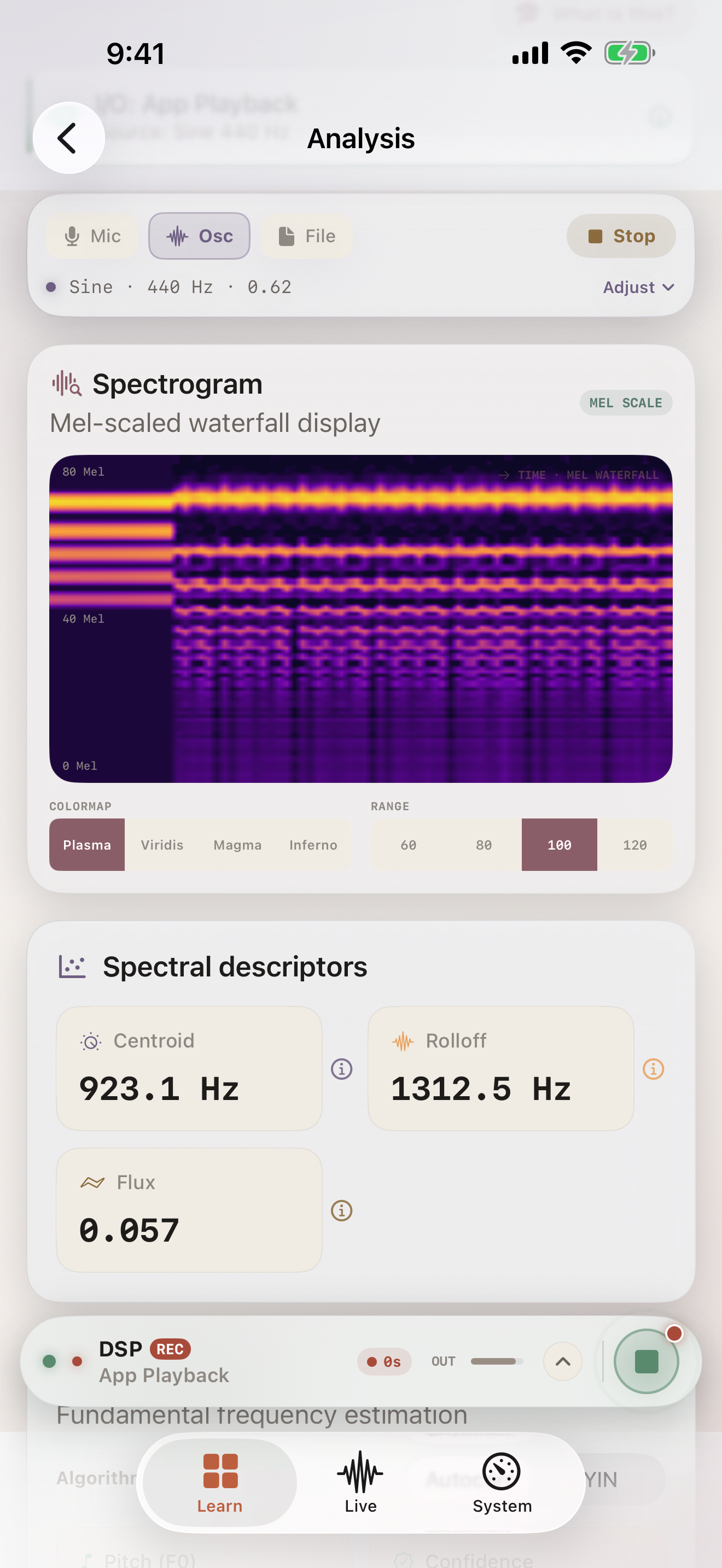
Nine Labs.
One Engine.
Zero Compromise.
Watch Biquadia's real-time C++ DSP engine process live audio — from spectral analysis and neural voice isolation to spatial beamforming — all running on-device with zero network calls.
- Lock-free render thread — never drops a frame
- Apple Neural Engine acceleration at 21ms latency
- Professional measurement: THD+N, SNR, calibrated SPL
How It Works
From microphone to measurement — a complete audio engineering pipeline on your iPhone.
Engineered for Precision
A stunning UI packed with a true C++ DSP engine, spatial computing, and Apple Neural Engine acceleration.
Zero-Latency DSP
Real-time FIR/IIR/Biquad/Butterworth/Chebyshev/Linkwitz-Riley filtering, compressor/limiter/gate/expander dynamics, and delay-family effects — all on a lock-free C++ render thread that never drops a frame.
Neural Enhancement
Voice isolation via Apple Neural Engine with chunked OLA streaming. Target-speaker extraction using 128-d speaker embeddings and causal LRU layers — 21ms latency at 48kHz.
Advanced Array Processing
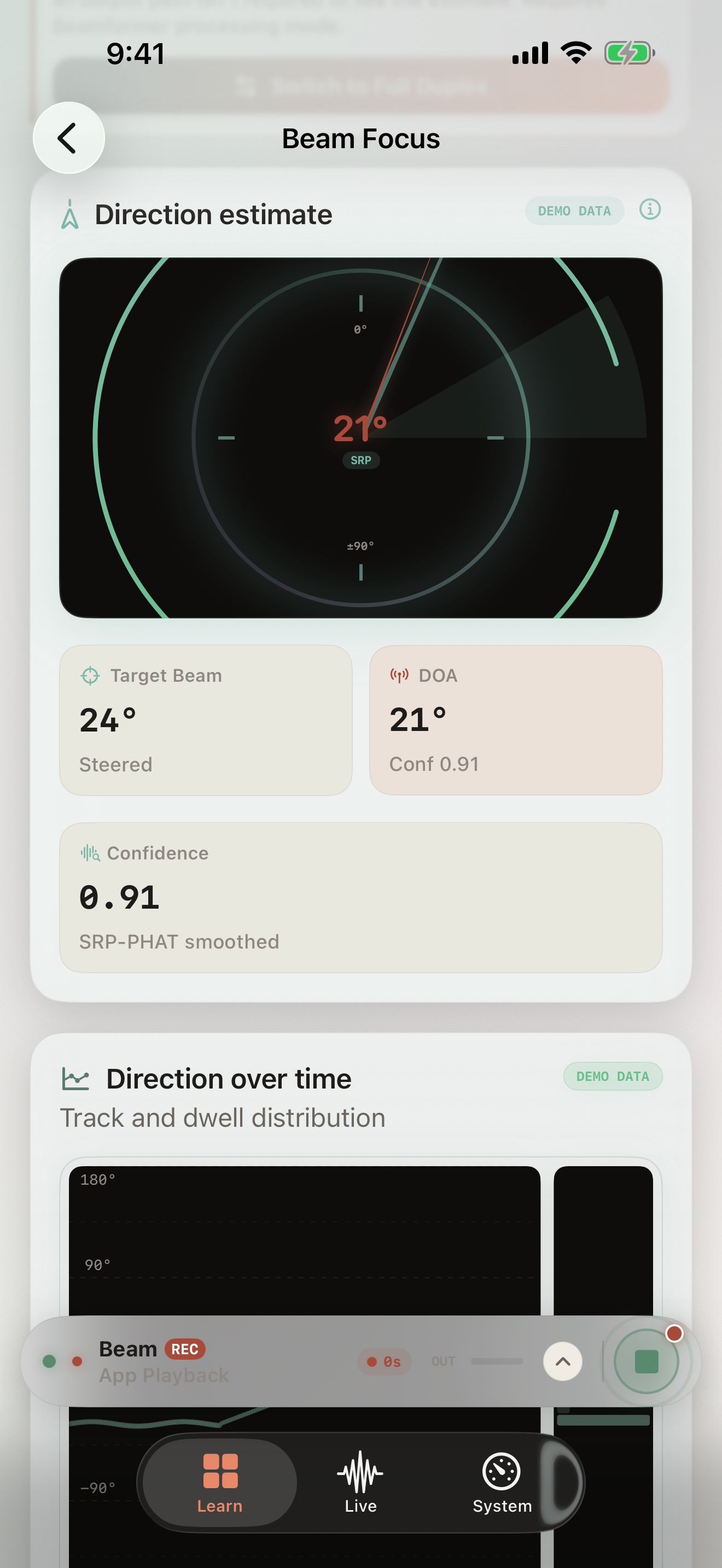
True covariance-based MVDR beamforming with EMA noise estimation, GCC-PHAT DOA, and N-mic SRP-PHAT — up to 32 channels over USB-C.
Ambisonics & Spatial
First-Order Ambisonics (ACN WXYZ / FuMa) with energy-preserving rotation, HRTF binaural rendering, AirPods head tracking, and virtual-speaker decode at ±30°/±90°.
9 Interactive Labs
Each lab is a complete surface: parameters, visualization, and measurement — designed for learning and professional use.
DSP Laboratory
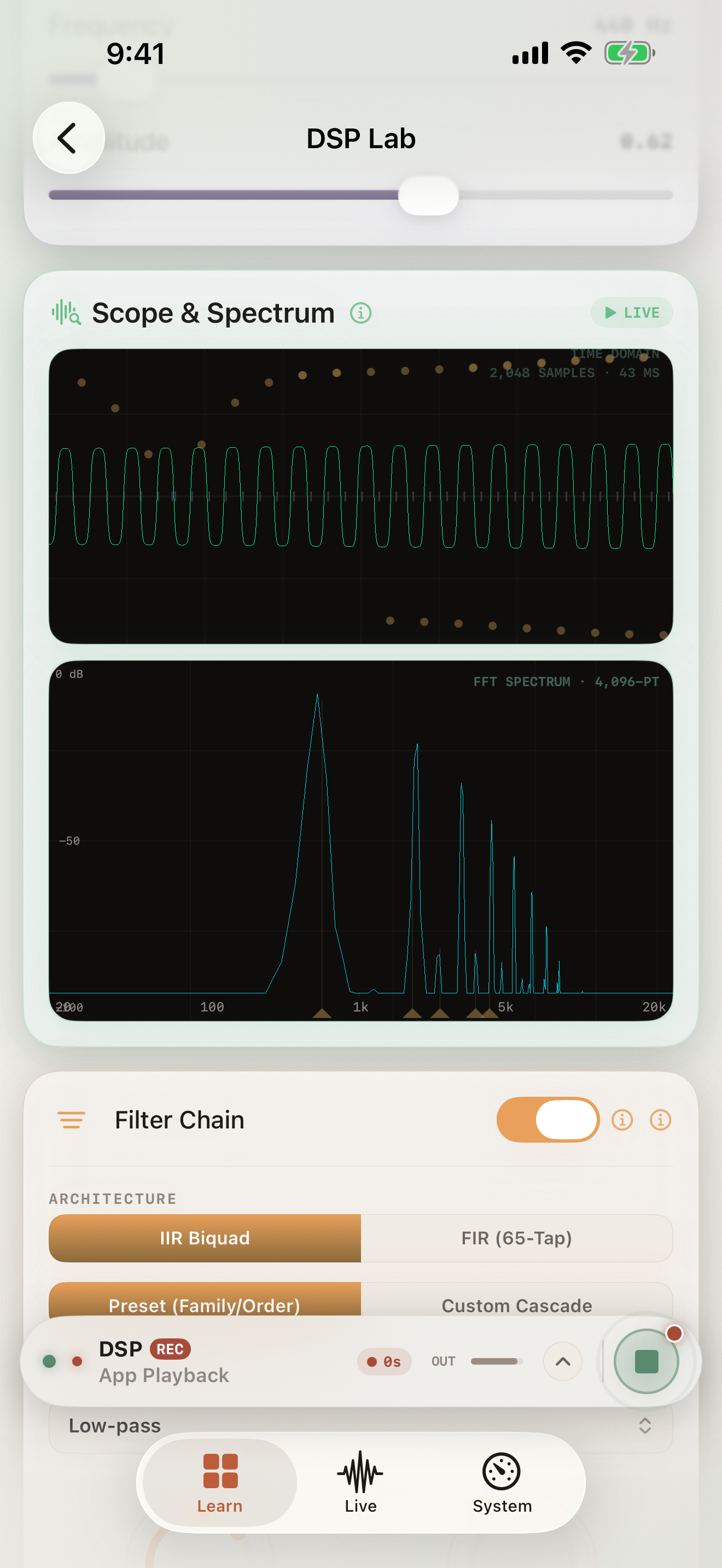
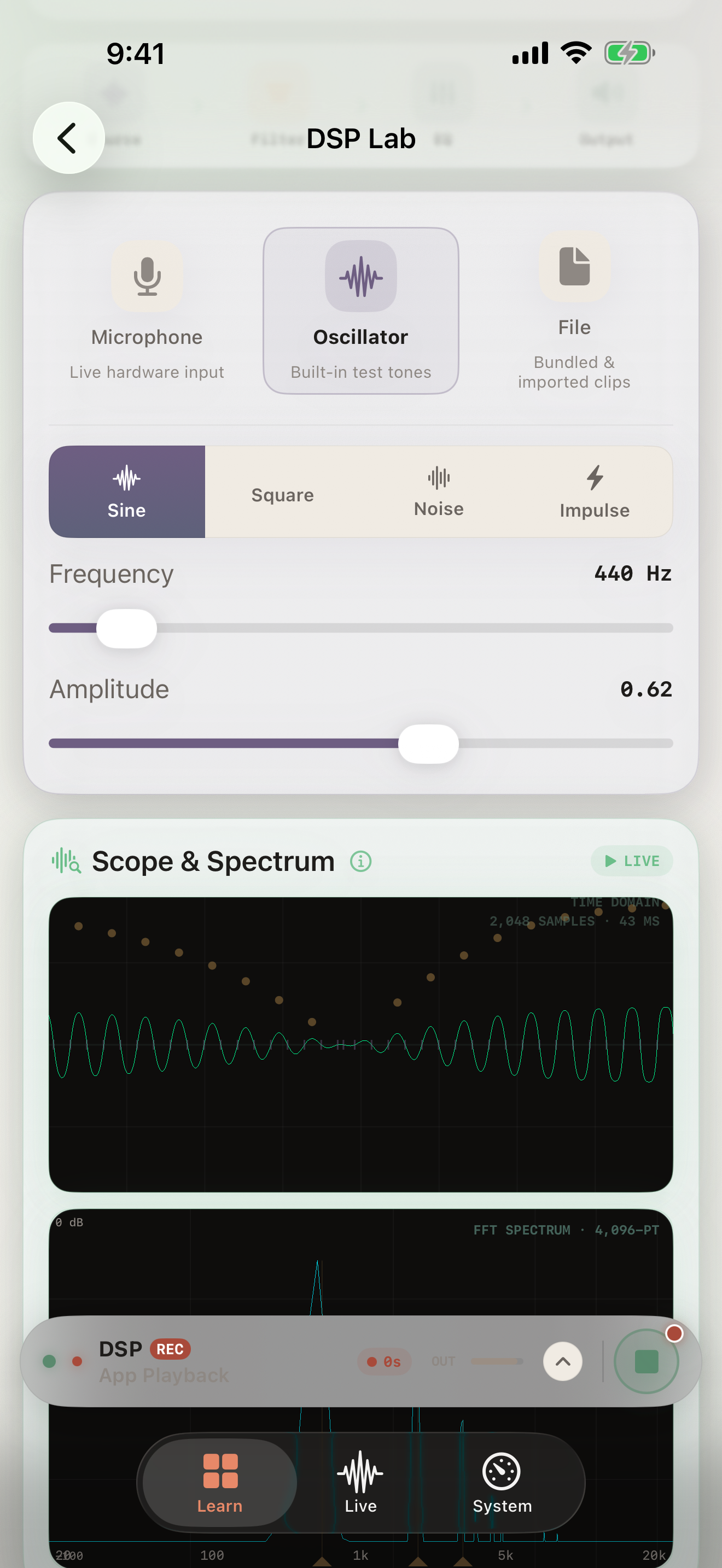
Live oscilloscope, configurable FFT spectrum, FIR/IIR filter design with magnitude/phase/group-delay/pole-zero visualization.
Analysis Laboratory
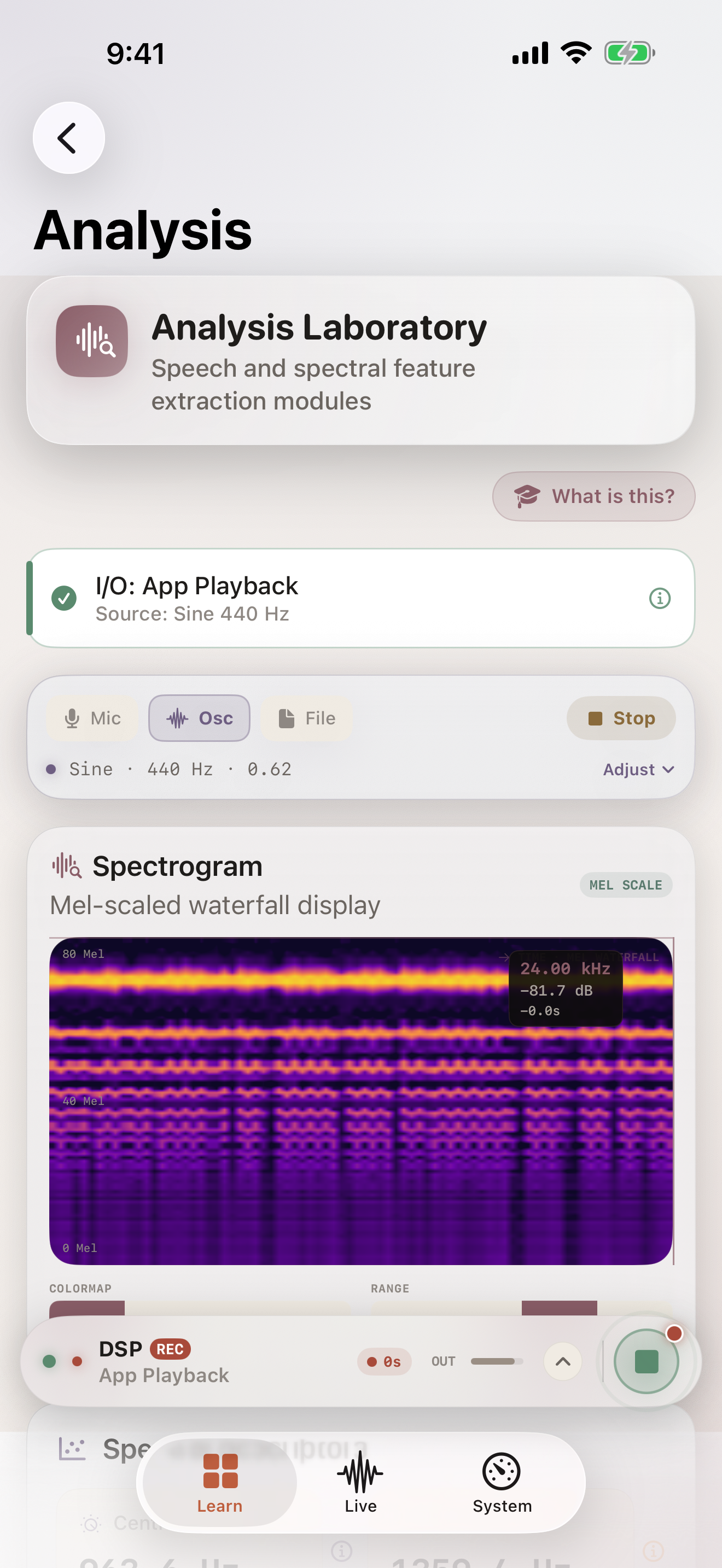
STFT/Mel/Log spectrograms, autocorrelation and YIN pitch tracking, LPC formants, MFCC delta/delta-delta, spectral descriptors.
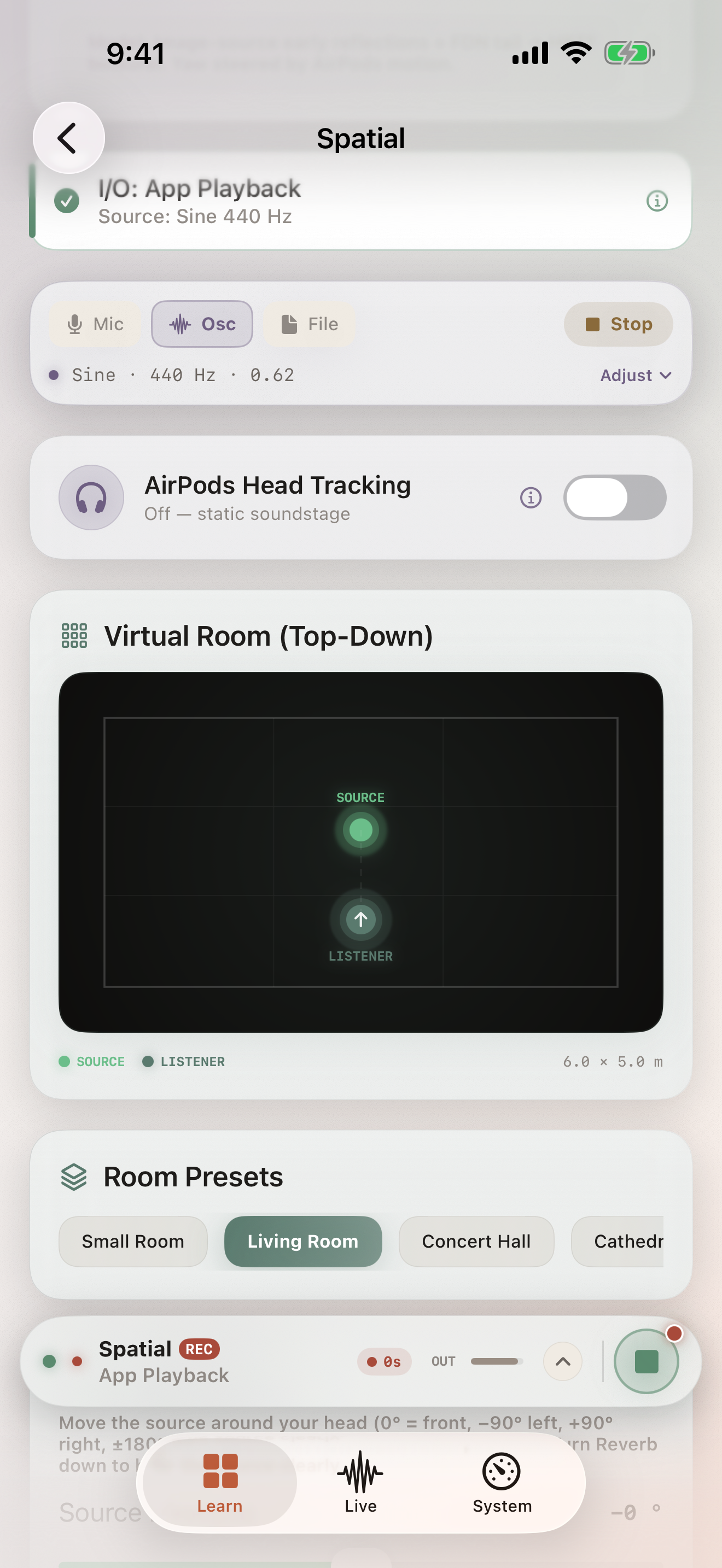
Spatial Lab
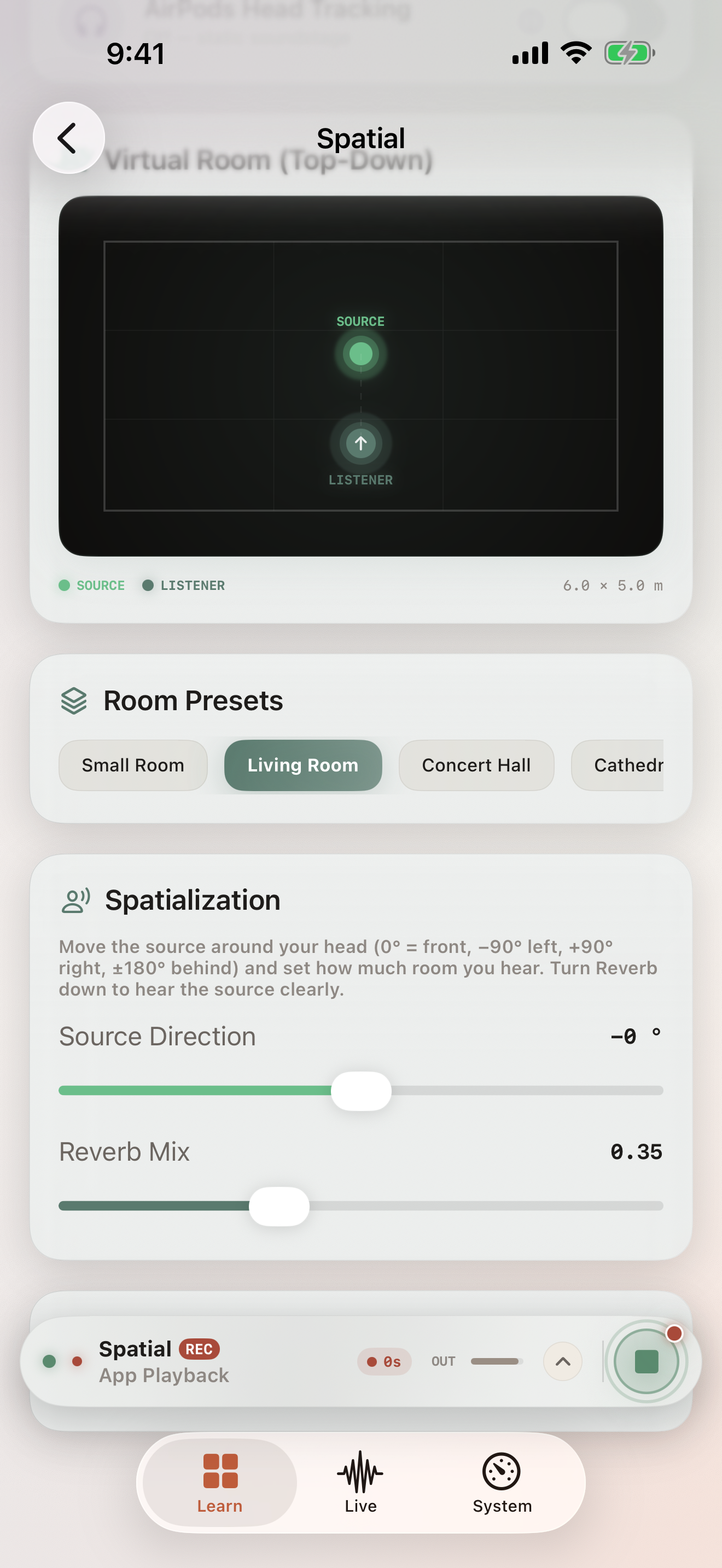
HRTF binaural rendering, early reflections + FDN reverb, room/source/listener controls, AirPods head tracking, FOA encoding and rotation.
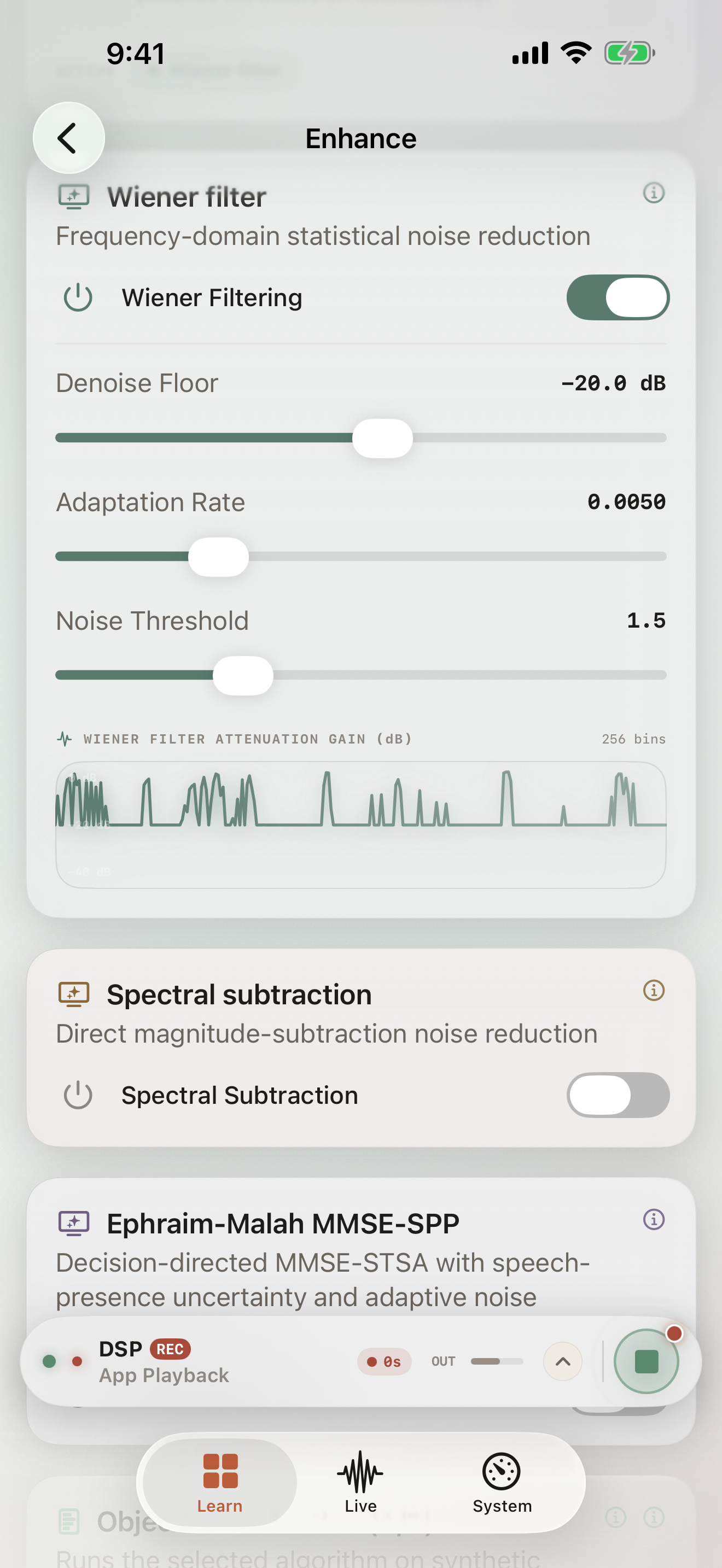
Enhance Lab
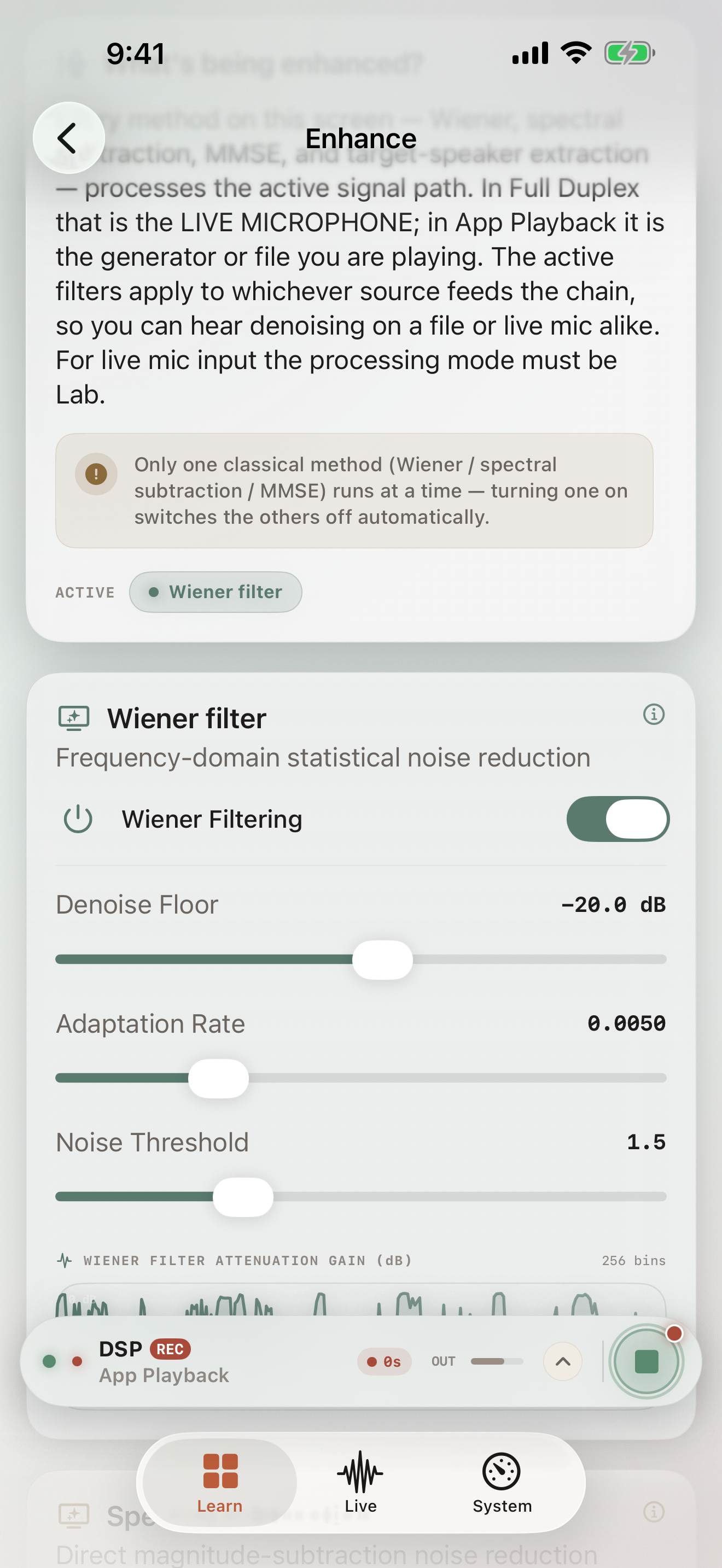
Wiener, MMSE, Ephraim-Malah with SPP, ANE Core ML voice isolator, target-speaker extraction with 128-d d-vector FiLM conditioning.
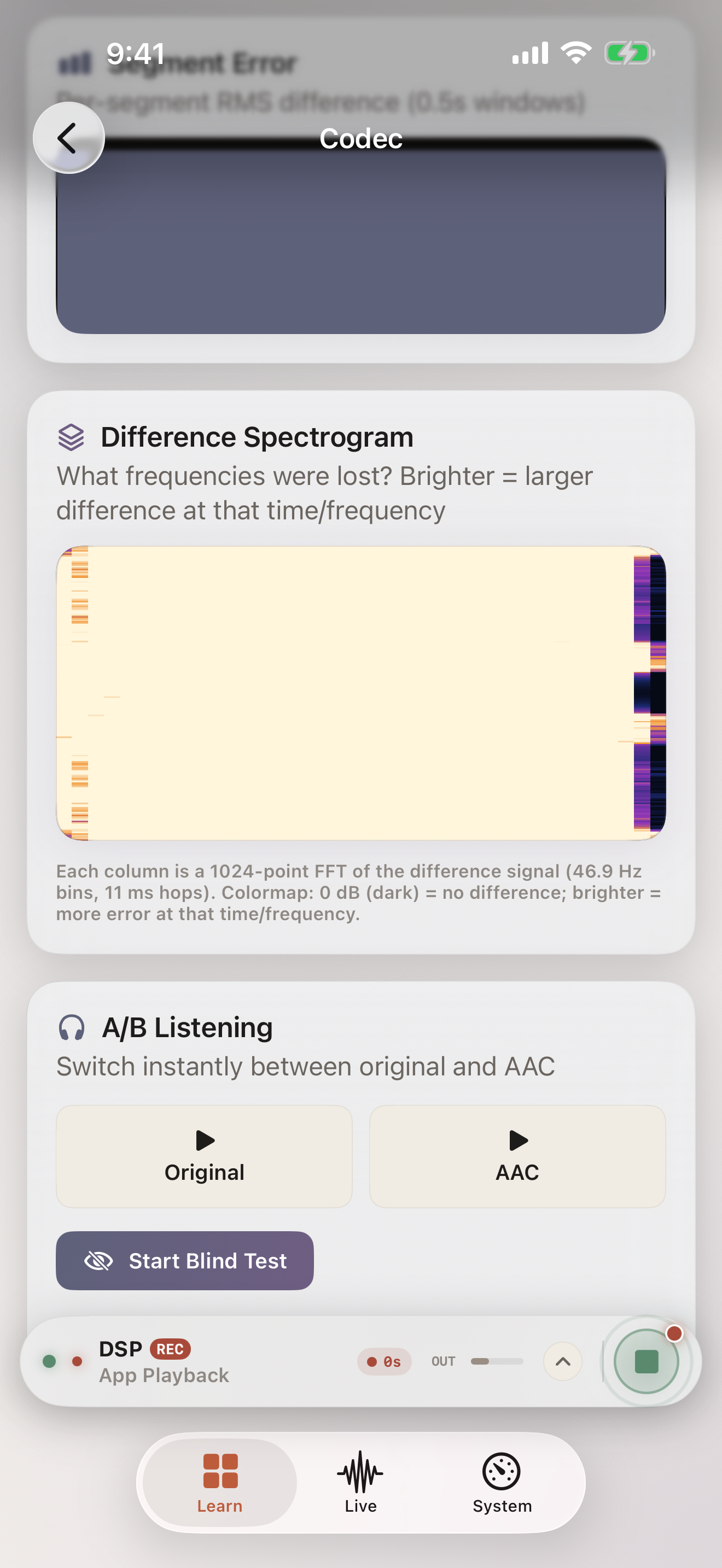
Codec Lab
WAV/FLAC/AAC/Opus/MP3 decode, AAC 48–256kbps + Opus encode, bitrate visualization, compression ratio, difference spectrogram, A/B blind.
Beam & Array Processing
GCC-PHAT DOA, delay-and-sum, true MVDR beamforming (covariance Rnn, EMA α=0.05), N-mic SRP-PHAT up to 32ch USB-C, dual-binaural HATS.
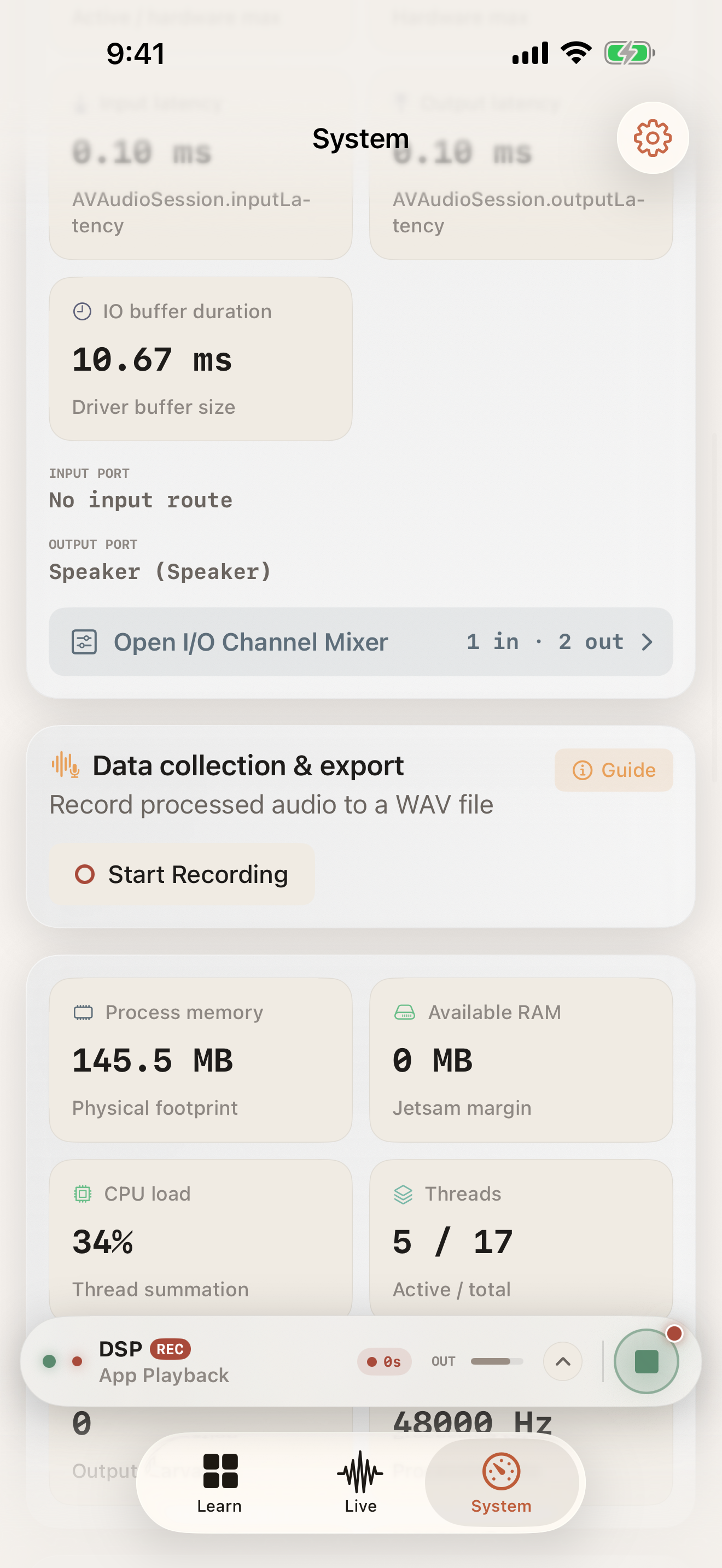
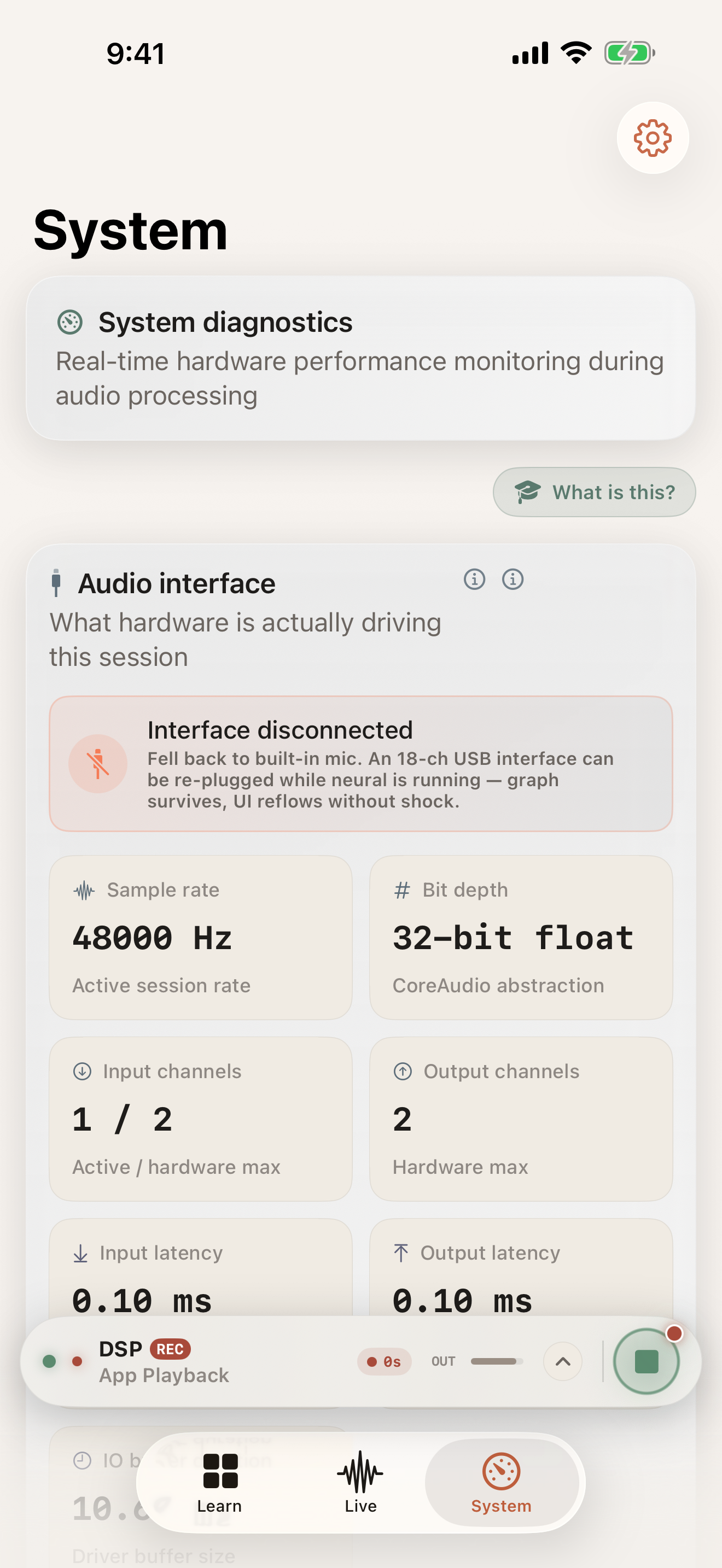
System Monitor
Mach absolute-time whole-graph RTF, signal-path latency ledger, CPU/RAM/thermal/thread monitoring, per-channel peak meters (32ch), hardware I/O card.
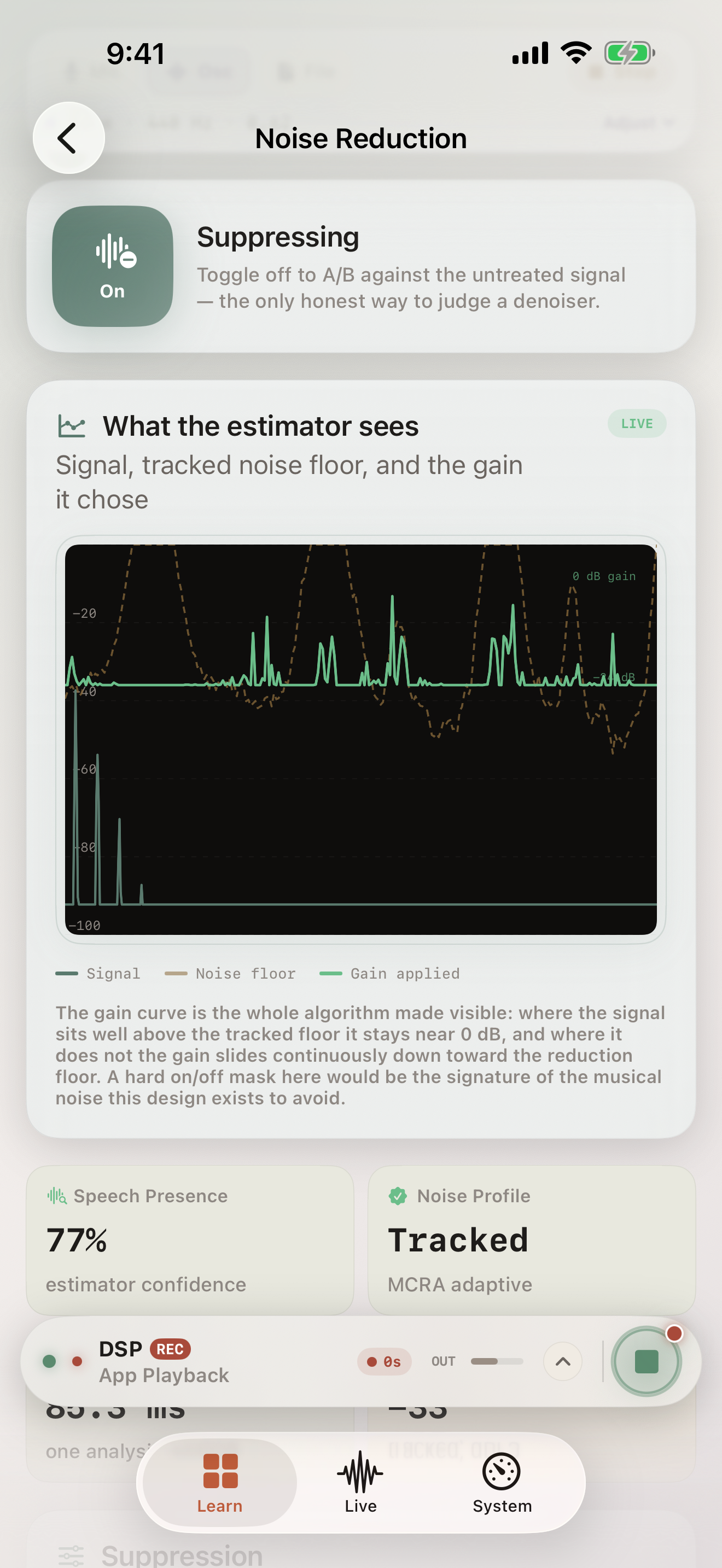
ML Sandbox
Core ML FP16 inference, chunked/OLA streaming, 128-d L2-normalized speaker embeddings, 2-speaker heuristic diarization.
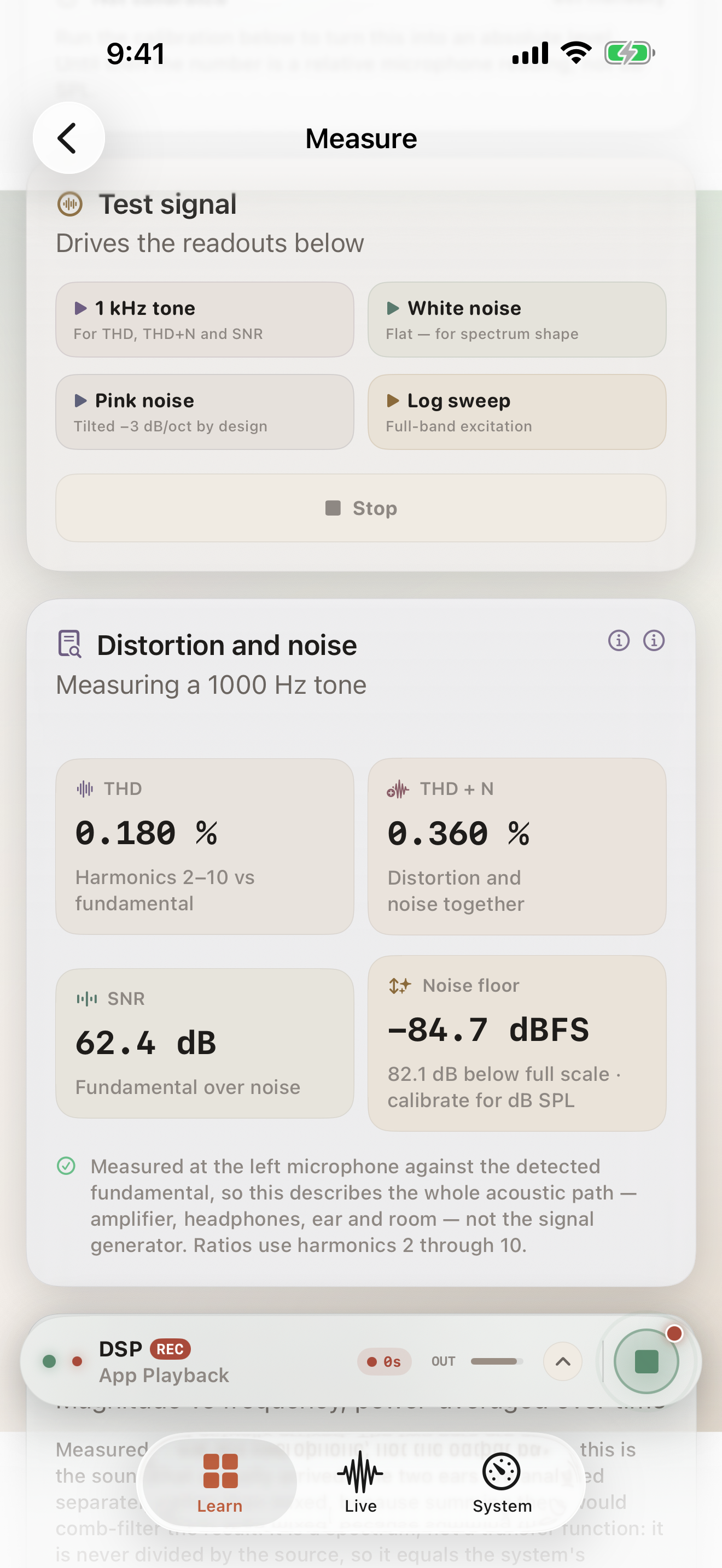
Measurement
THD/THD+N/SNR/DR/frequency response, impulse and log sweep generation, transfer function estimation, SPL and reference calibration.
Built For
Whether you're shipping a product, publishing a paper, or learning the fundamentals.
Audio Engineer
- Real-time FIR/IIR filter design with pole-zero plots
- True MVDR beamforming over USB-C multi-mic arrays
- THD/THD+N/SNR/DR measurement with log sweep
- Signal-path latency ledger and compute cost RTF
Researcher
- MFCC/delta/delta-delta, LPC formants, cepstrum analysis
- 128-d speaker embeddings with L2 normalization
- FOA encoding with energy-preserving rotation
- SI-SDR / SegSNR offline evaluation metrics
Student
- Interactive oscilloscope and FFT with adjustable windows
- Magnitude/phase/impulse/step response visualization
- Codec A/B blind comparison: hear the difference
- Learn Catalog with lab browser and guided exploration
Technical Specifications
Under the hood of our highly optimized C++ and CoreAudio stack.
| DSP Engine | Lock-free real-time C++ kernel |
| Audio I/O | CoreAudio / AVAudioEngine (USB-C interface support up to 32ch) |
| Neural Inference | Core ML / Apple Neural Engine / FP16 |
| Beamforming | True MVDR (covariance Rnn, EMA α=0.05, diag 1e-4) + Delay-and-Sum |
| Spatial | FOA (ACN WXYZ / FuMa) + HRTF binaural + AirPods head tracking |
| Codecs | WAV / FLAC / AAC (48–256kbps) / Opus (CAF) / MP3 |
| Measurement | THD / THD+N / SNR / DR / Frequency Response / SPL Cal |
| Math | Accelerate framework (vDSP) |
| Privacy | 100% on-device — zero network calls, zero telemetry |
| Hardware | iOS 17.0+ • iPhone / iPad |
Frequently Asked Questions
Real answers to real audio engineering questions.
kAudioUnitErr_CannotDoInCurrentContext) occurs when iOS revokes the audio route — typically when backgrounding the app while the engine is running. Biquadia handles this automatically: it saves your run state, stops the engine on background, and restarts when you return. If you see this after a USB-C device change, tap the Refresh I/O button in the Session sheet.